StitchSwift — production-ready embroidery
Every image can be stitched more than one way.
Your image
Stitch preview
Upload a logo or drawing, choose how it should be simplified, and receive machine-ready embroidery files that are read back and checked.
3 ways to stitch the same image.
The source stays the same. What changes is how it is simplified: where the edges land, how strongly it is outlined, and how many thread colours it is allowed to use.
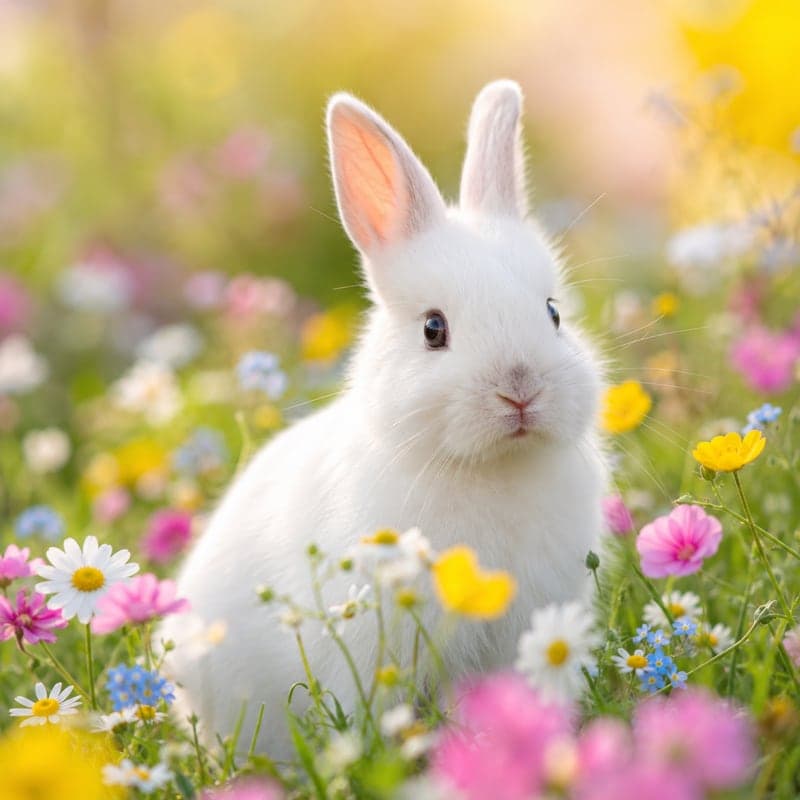
Your image
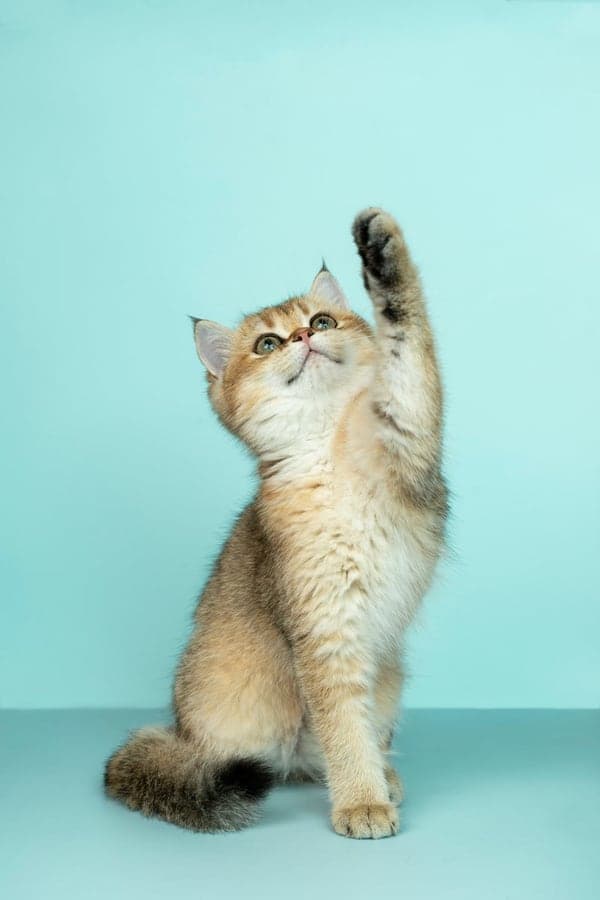
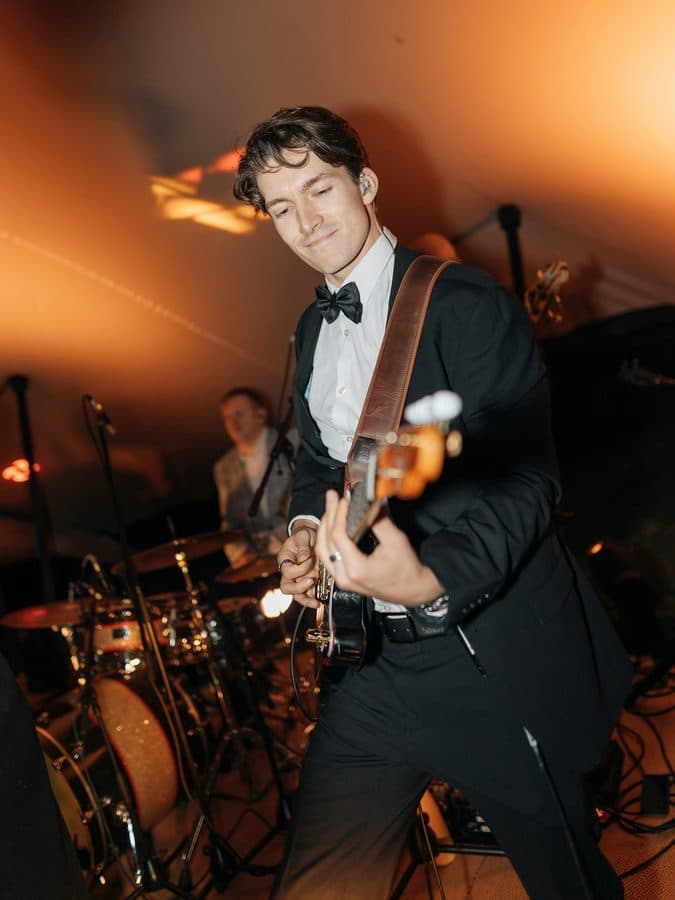
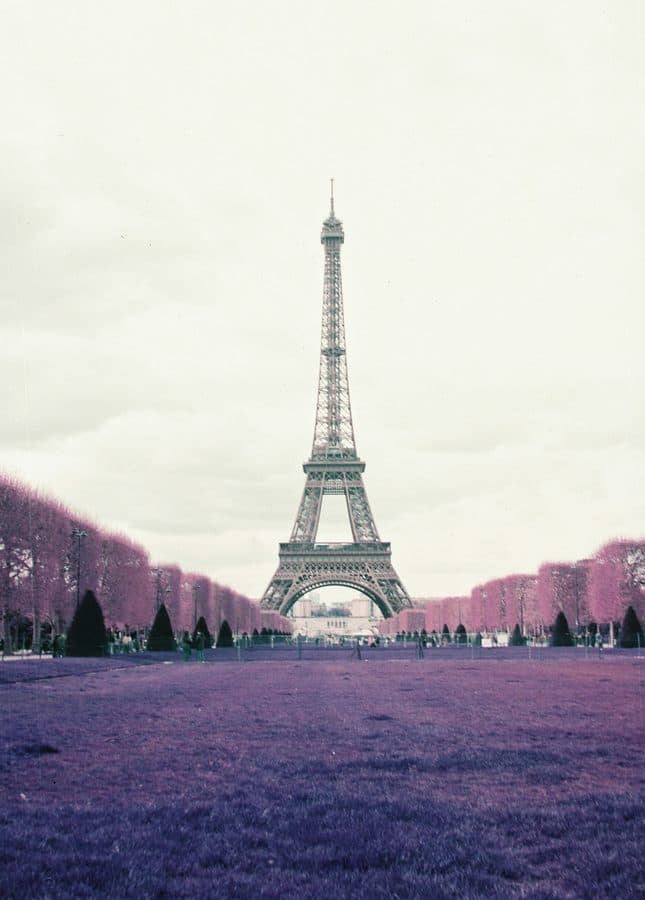
5,304 × 7,952 px · photograph by Alvan Nee
How each style stitched it
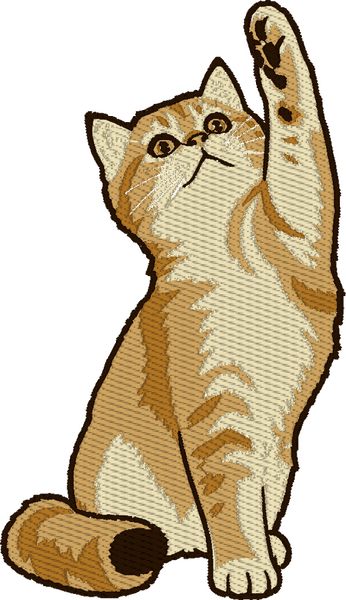
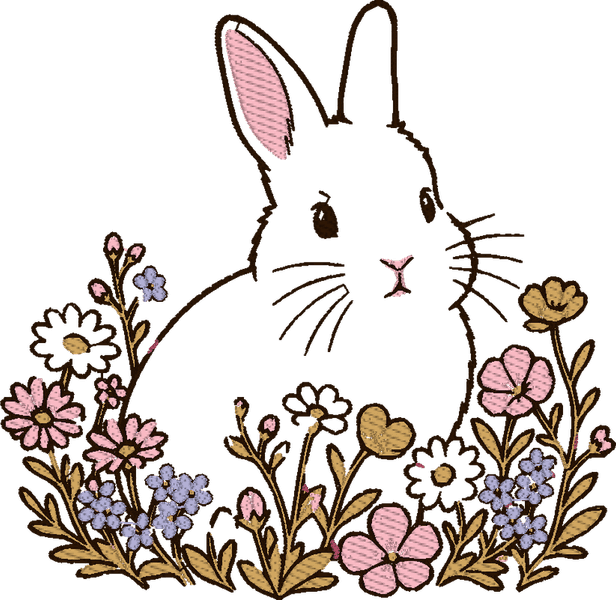
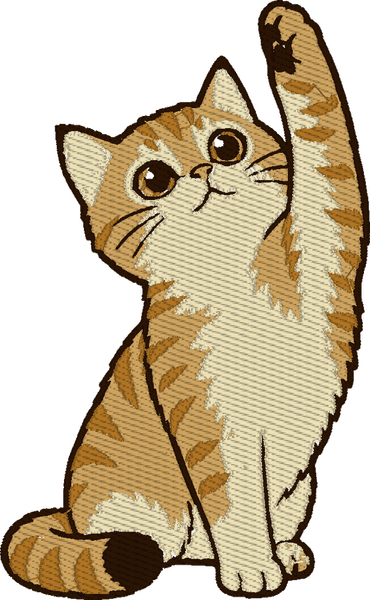
Realistic flat
22,593 stitches4 colours
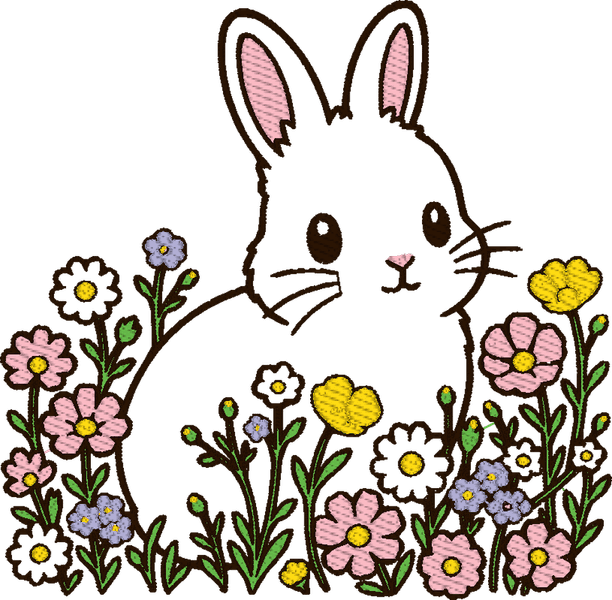
Kawaii sticker
23,517 stitches4 colours
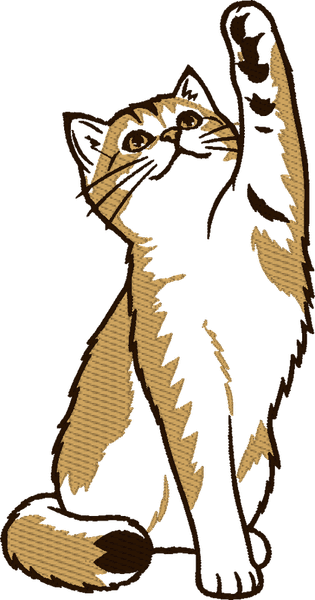
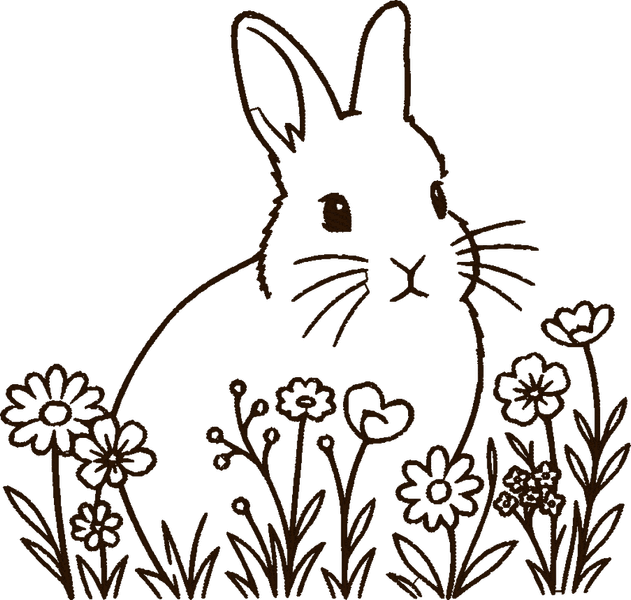
Minimal line art
11,553 stitches3 colours



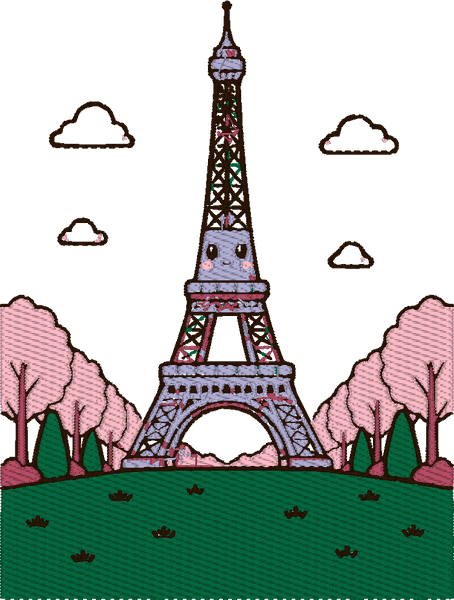


Each one: 90 mm wide requested · Brother Innov-is M370 · finished 99 mm tall
Every picture above is the stitch preview of a real completed job — 3 photographs through each style, all at 90 mm on a Brother Innov-is M370. They are rendered from the machine files, not photographed: we have not stitched a sample of any of them on a machine.
How it works.
Upload
PNG, JPEG or WebP.
Up to 25 MB.
Pick a size
One choice that matters.
Everything else has a sensible default.
We stitch it out
Under a minute if you turn our image cleanup off.
With it on — the default — allow up to ten minutes.
Close the tab if you like. The page is the job; come back to the same address.
Works with your machine.
7 machine formats, written from the same plan — pick the one your machine reads.
pes
Carries the thread catalogue numbers
dst
Carries no colour information at all
exp
Carries no colour information at all
jef
Carries colour slots, not catalogue numbers
sew
Carries colour slots, not catalogue numbers
vp3
Carries the thread catalogue numbers
xxx
rgb
Writing a file is not the same as watching one stitch.
What lands in your account.
Seven files and a production-bundle.zip with all of them. Real names, exactly as they arrive.
source-machine.pesGoes to a Brother machine. Carries the thread colours with it.
source-master.svgThe shapes, editable in any vector editor.
source-production.pdfThe thread list, to print and keep beside the machine.
source-threadlist.txtThe same colour order as plain text.
source-report.jsonWhat we checked after writing the files, and what we found.
source-preview.pngHow the stitches are laid out, rendered from the plan.
source-flat.pngYour image reduced to the thread colours we used.
Ask for .dst instead and you get source-machine.dst, which reads on almost any machine but carries no colours — so keep the thread list with it.
Simple credits. No subscription.
One design costs 5 credits. Credits do not expire.
Starter
$5
1 design · 5 credits
$5 a design
Bundle
$22
5 designs · 25 credits
$4.40 a design
12% off the single-design price
Studio
$48
12 designs · 60 credits
$4 a design
20% off the single-design price
Shop
$105
30 designs · 150 credits
$3.50 a design
30% off the single-design price
Questions people ask.
Which formats do I get?
.pes and .dst and .exp and .jef and .sew and .vp3 and .xxx — written from the same plan, so they are the same design in two files. The thread list comes with both.
How long does a design take?
Under a minute with our image cleanup turned off. With it on — the default — allow up to ten minutes. The design's page shows which stage it is at rather than inventing a countdown.
Do you take any rights over my image?
No. It stays yours, and so does everything we make from it. Delete a design and the image and every file made from it are erased.
What happens to my credits if something goes wrong?
A design costs 5 credits. If it fails in a way we can retry, they stay put so the retry does not charge you twice. If it fails in a way we cannot retry, or you cancel it, they go back.